Track everything.
From your pocket.
Smart Inventory turns any phone into a complete stock management system. Items, Groups, Tags · QR & barcodes · cloud backup · CSV import/export. Free to start, premium when you scale.
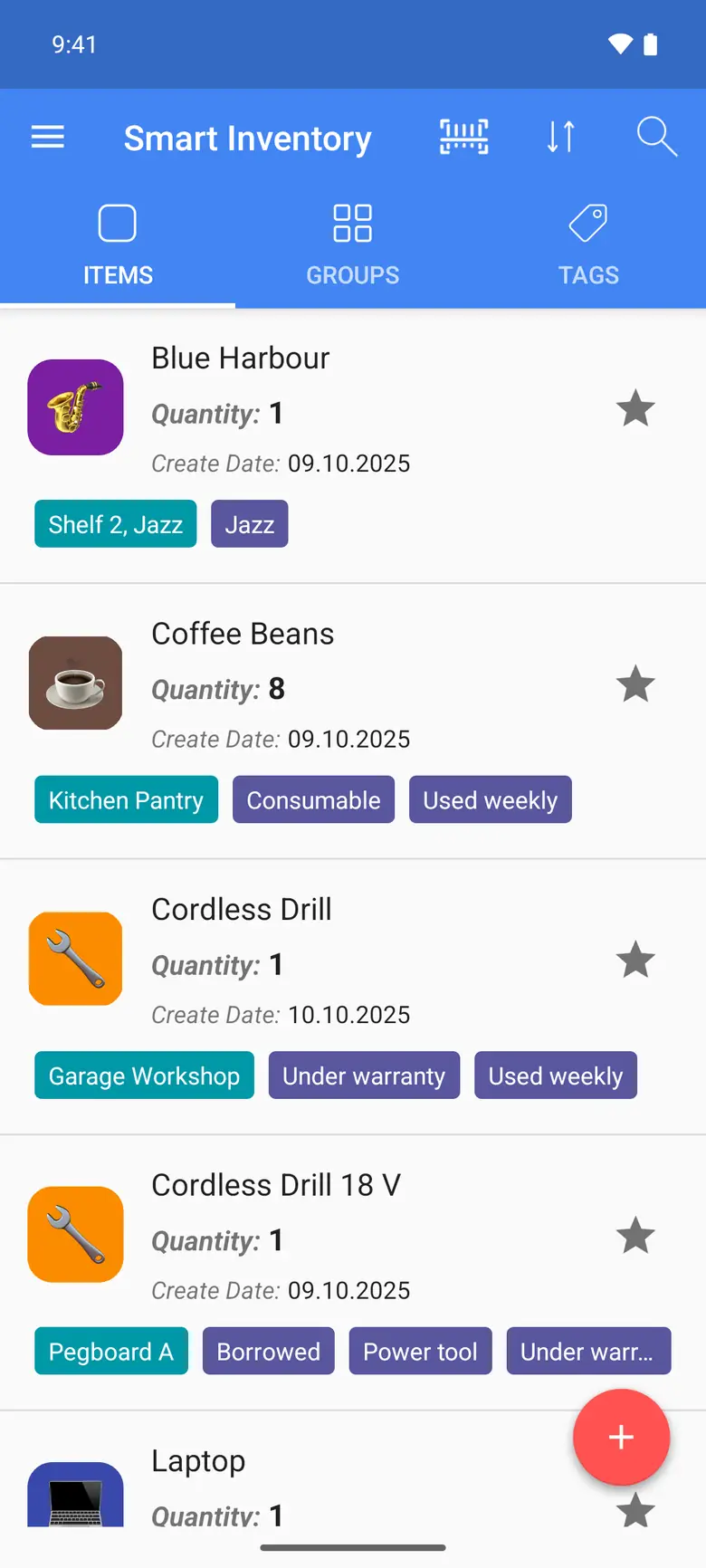

Everything you need.
Nothing you don't.
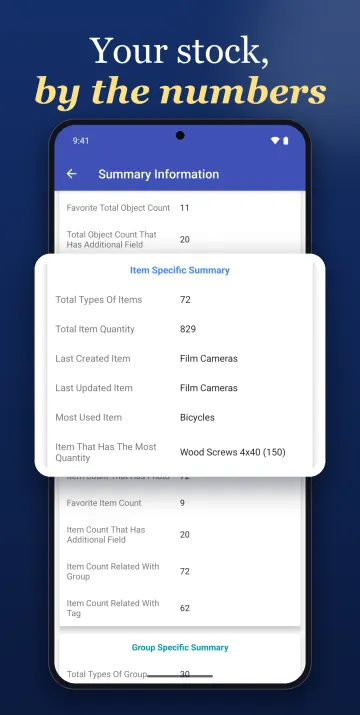
From a single laundry shelf to a full small business — Smart Inventory adapts to how you organize.
QR & Barcode Engine
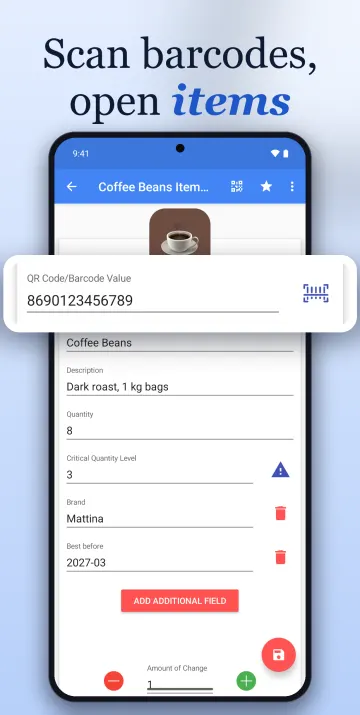
Create and scan QR Code, Aztec, Code 128, Data Matrix, and PDF417. Print a code straight from an item's page.
Scanner Mode
Point the camera at a code to add or remove stock. Open it from a home-screen widget.
Items, Groups & Tags
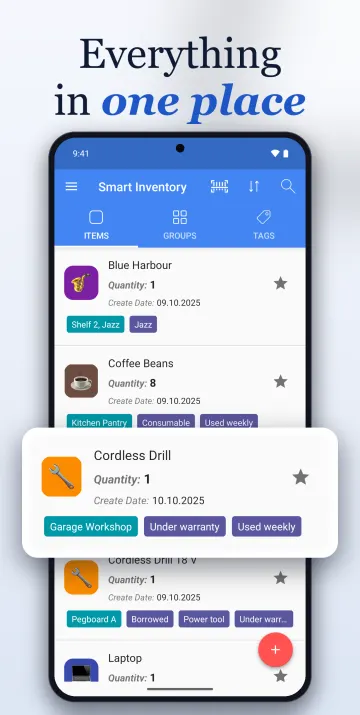
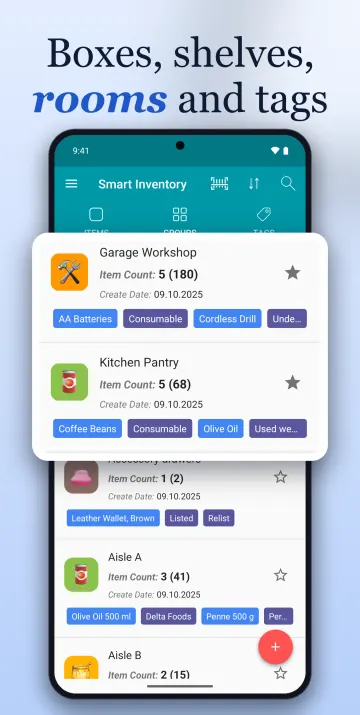
A flexible three-level system: countable Items, location-based Groups (Box, Fridge, Depot), and Tags for attributes.
Multi-Location Relations
Link items to multiple groups and tags. Track the same product across kitchen, warehouse, and storeroom.
Custom Fields
Add price, address, expiry — any field you need. Set defaults so every new item includes them. (Premium)
Quantity History & Alerts
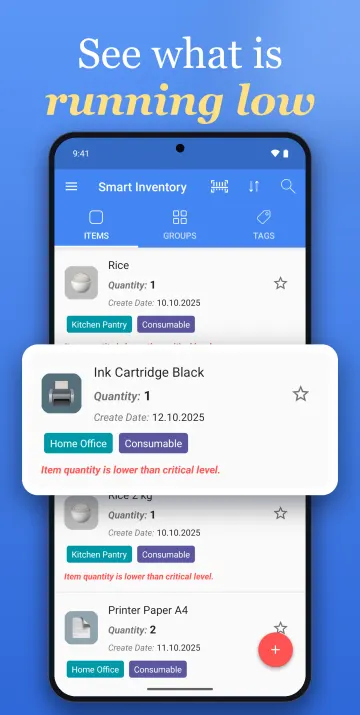
Every quantity change is timestamped and can carry a note. Set a critical level per item and get an email alert when stock runs low. (Premium)
Cloud Backup
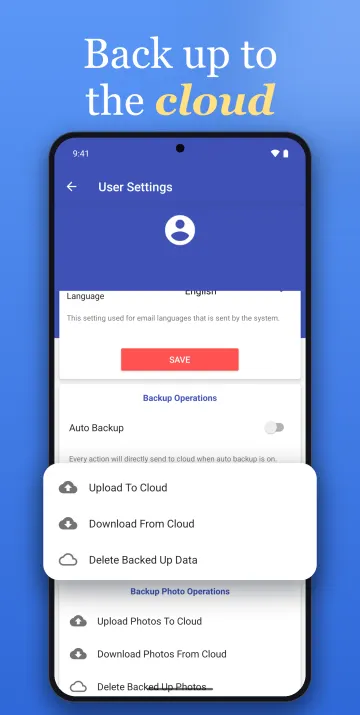
Upload your inventory and photos to the cloud and download them on another device. Auto Backup sends each change as you make it. (Premium)
Import & Export CSV
Import Items, Groups, and Tags from CSV, export your lists, and save the exports to Google Drive. (Premium)
Web App
Sign in on a computer to view and edit your backed-up inventory, with a dashboard of critical stock and recent activity. (Premium)
Up and running in
three steps.

Create your inventory
Add Items (with quantity), organize them into Groups (locations), and label with Tags. Sign up free or use offline.

Scan, print, track
Generate QR codes for every object. Scan with your camera to update quantities or jump straight to the detail page.

Back up to the cloud
Cloud backup uses manual upload and download. Auto Backup uploads each change; it does not download changes. The web app reads and edits the backed-up cloud copy. (Premium)
One app, many ways to use it.
For home
Room-by-room list with photos and serial numbers.
For small shops
Stock, labels and barcodes for a small shop.
For collectors
Catalog every piece with photos and your own fields.
For workshops
Parts, tools and bins, always findable.
For resellers
Know what you have before you list it.
For offices
Equipment, supplies and who has what.
See it in action.
Swipe or use the arrows to browse.
Free forever.
Premium when you scale.
Try Premium free for 14 days. Cancel anytime.
forever
Perfect for personal use. No card required.
Download Free- Unlimited items, groups, tags
- QR & barcode generation
- Camera scanning
- Photos, critical quantity level & relations
Flexible, cancel anytime
- All 8 Premium features
- 14-day free trial
- Billed through Google Play
Billed every 6 months
- All 8 Premium features
- 14-day free trial
- Billed through Google Play
Billed once a year
- All 8 Premium features
- 14-day free trial
- Billed through Google Play
Billed through Google Play in your local currency. Cancel anytime in your Play subscriptions.
Get organized today.
Join 350,000+ people who trust Smart Inventory to keep their stuff in check. Free to download. Premium free for 14 days.